



You are here
Education-Technology Policy Toolkit

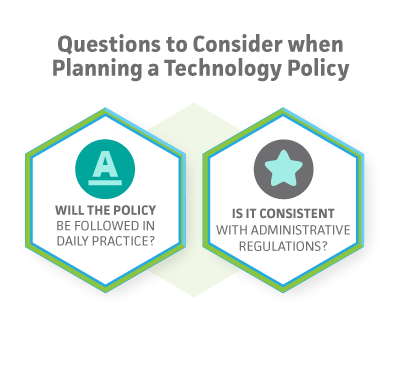
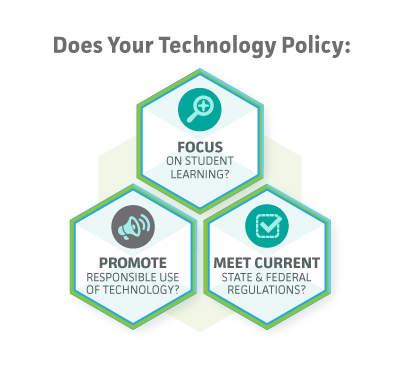
- Focusing all technology on instruction (e.g., emphasizing professional development over equipment)
- Planning for sustainability (e.g., infrastructure, funding)
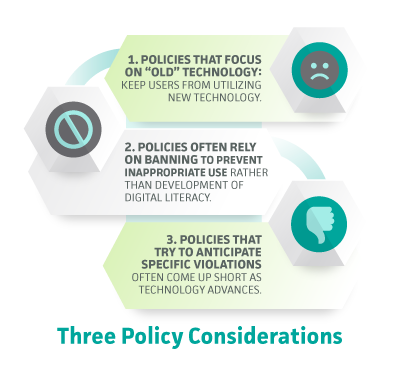
- Moving from banning mobile devices and social media to integrating them into the classroom
- Revision of federal, state, and local procedures to respond to current realities (e.g., social networking and mobile devices)
- Equity, whether with BYOD devices or home Internet access
- Moving from Acceptable Use to Responsible Use Policies
- Excessive restrictions create a false sense of security
- Policies treat students as a person responsible for ethical and safe Internet use
- Emphasis on technology literacy to empower students to be competent at using technology in and out of school
- Streamlining technology policies that overlap with other policies (e.g., cyberbullying vs. bullying, copyright infringement, and plagiarism)
| Title | Description | File | ||
|---|---|---|---|---|
|
|
AUPs |
Download the attached PDF that links to a variety of Acceptable Use Policies that focus on student learning. |
|
|
|
|
Flipped Classroom Policy Implications |
Educators interested in ways to use technology to improve student learning are exploring the idea of a "flipped" classroom. This resources provides additional detail on what the flipped approach entails and policies that impact. |
|
|
|
|
Introduction to Project Red |
Project Red is a coalition of research organizations focused on supporting school leaders in the effective use of technology to improve teaching and learning, specifically through one-to-one computing programs. |
|
|
|
|
Making the Right Technology Decisions for your District |
As laptops, smartphones, and tablets become more available and cost-effective, one-to-one computing is becoming a more viable option for many school districts. The success of one-to-one computing depends on several issues that must be addressed through research and policy considerations. |
|
|
|
|
Case Study: Sunnyside Unified School District |
Sunnyside Unified School District in Tucson, Arizona, is home to over 17,000 students that attend 21 elementary, middle, and high schools, in addition to an early childhood education center and an alternative school. Sunnyside’s one-to-one program was implemented to address issues common to many large school districts, such as unsatisfactory test scores, disappointing graduation rates, and student disengagement. |
|
|
|
|
Case Study: Piedmont City School District |
Faced with the decline of the local textile industry, in 2009 the rural Piedmont City School district in northeastern Alabama, began MPower, a program to provide laptops to all students in Grades 4-12. |
|
|
|
|
Case Study: Crescent Public Schools |
The Crescent Public School District in central Oklahoma that serves about 600 students in a population with 60% eligible for free or reduced lunch hosts a one-to-one laptop program for its middle and high school students. |
|
|
|
|
Policy Presentations |
Download these sample presentation files (Microsoftt Powerpoint*) that you can modify and adapt for your own use. |
|